Your content,
protected & portable.
Data protection, security, and backup archives for WordPress — plus secure, user-managed content transitions via authorized Google takeout exports or official integration pathways.
Syncing posts, pages, and media…
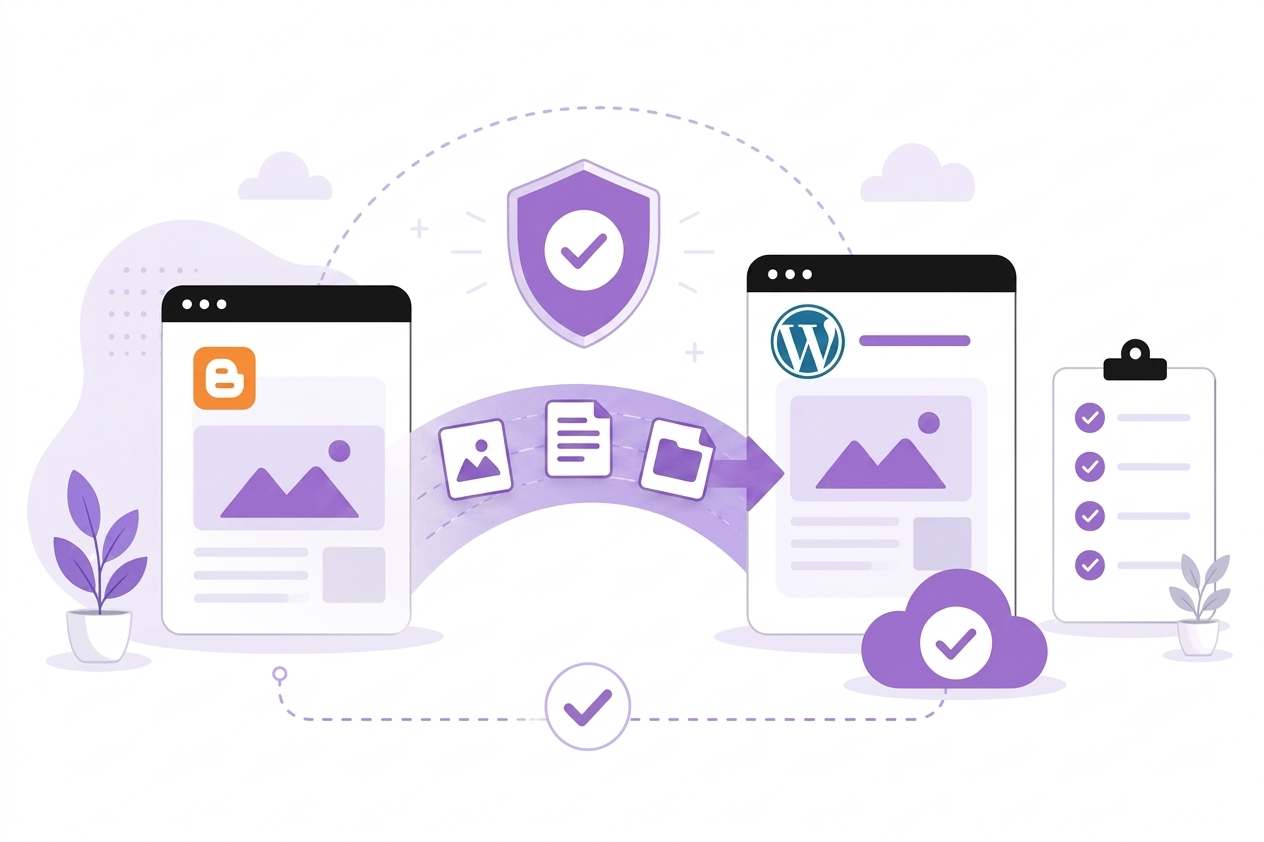
Streamlined data portability for your blog archives
Authenticated site owners can utilize standard data portability exports or interface via official Google OAuth verification channels to securely import posts, pages, comments, categories, and media into WordPress. When import finishes, the SEO 301 Redirect Manager maps prior archive URLs to your new permalinks — so rankings, backlinks, and indexed links keep working.
- SEO 301 Redirect Manager — Blogger URLs mapped after migration
- Perfect author mapping
- Preserved comments and nested replies
- Auto-hosted media assets on target servers
Encrypted WordPress content backups you control
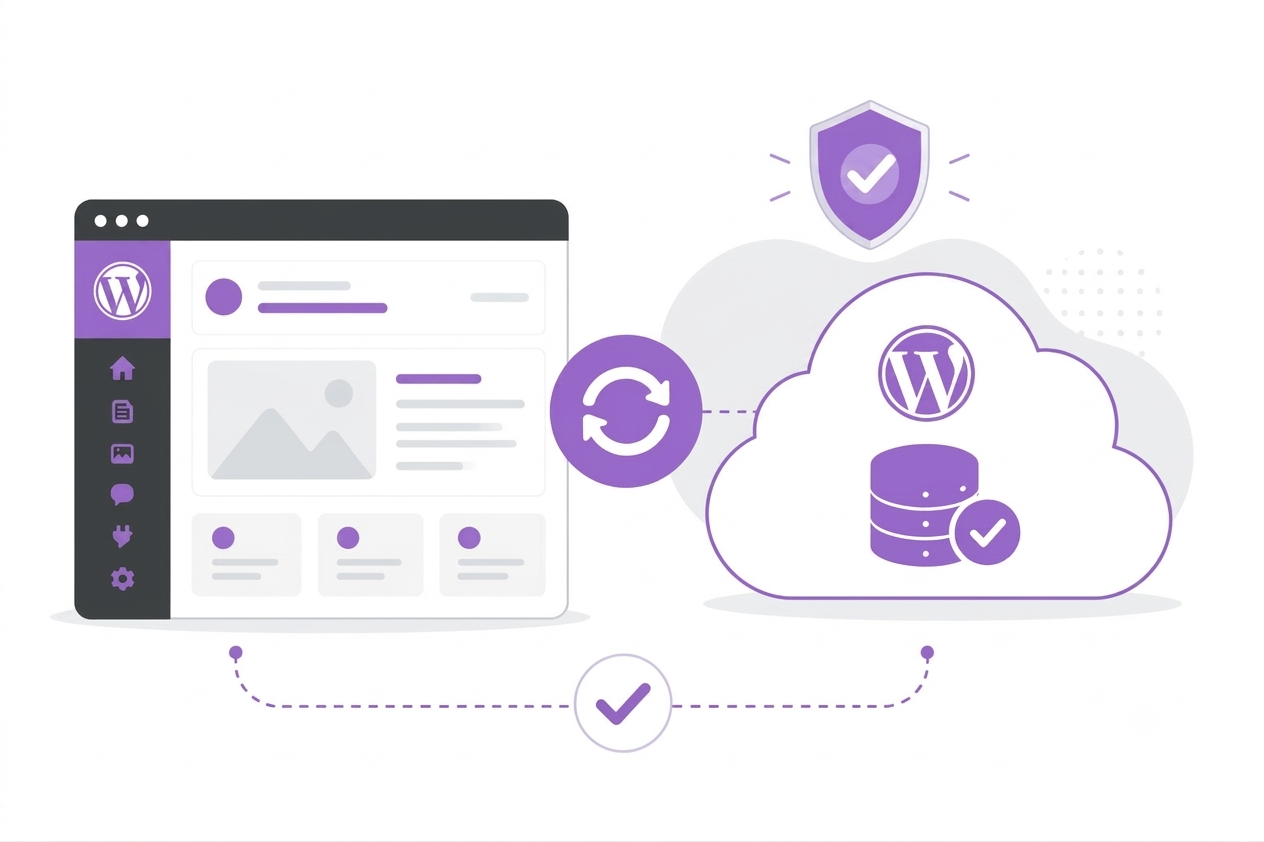
Run automated background backups on the intervals you choose—daily, weekly, or on demand. Posts, media, themes, plugins, and database archives are encrypted locally with AES-256-CBC using your Master Vault Key, then stored in MigraSync Managed Cloud so integrity checks and full recovery stay under your control.
- Client-side vault key encryption before upload
- Scheduled and on-demand backup archives
- Secure offsite Managed Cloud storage
- Guided restore for authenticated WordPress owners
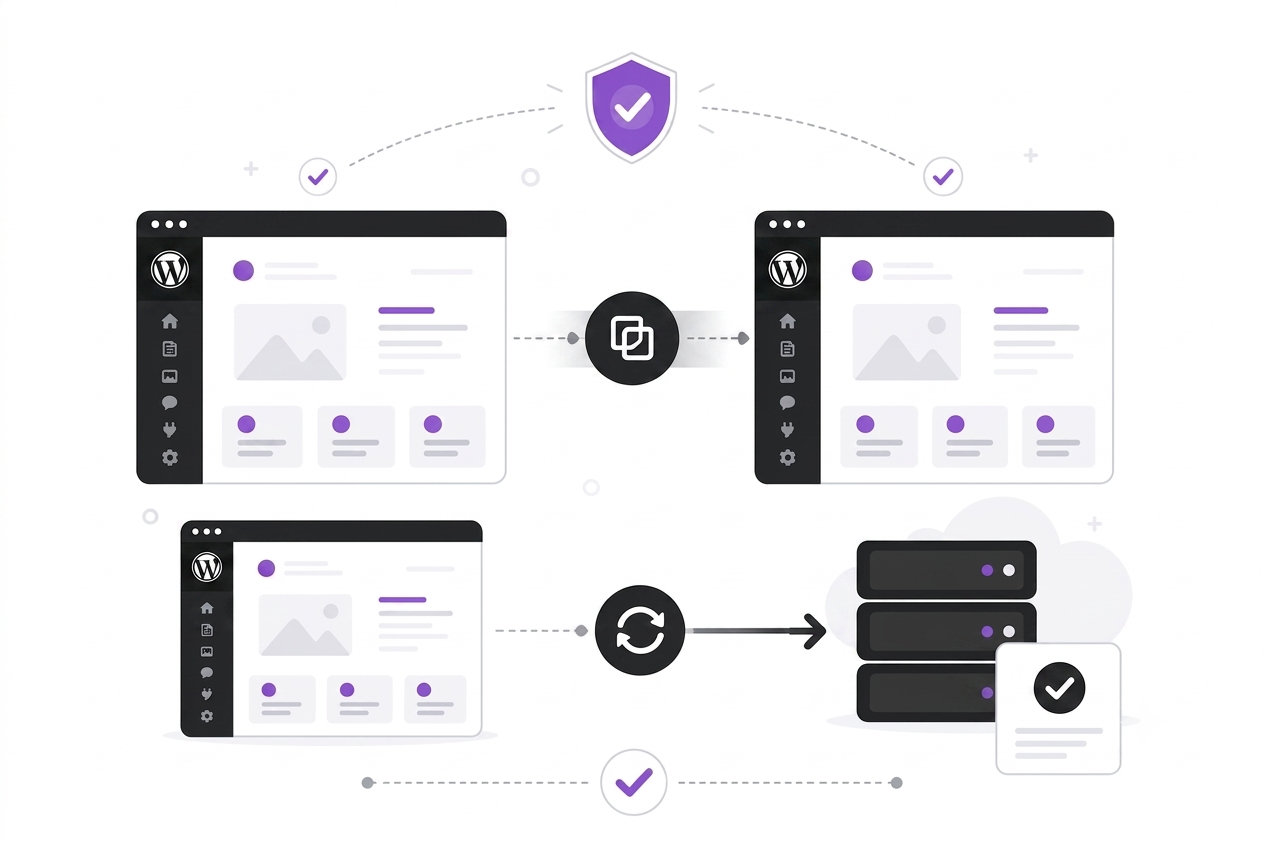
Restore from cloud backup or clone to any WordPress site
Use the guided WP Restore wizard in the MigraSync plugin to recover your site from an encrypted cloud backup — on the same URL or a fresh WordPress install on a new host. Connect your API key on any authenticated site, pick a backup point, choose scope, and restore in the background.
- Dedicated 5-step WP Restore wizard
- Same-site rollback or restore to another URL
- Cloud backups restorable on any authenticated WordPress site
- Automatic URL rewrite when cloning to a new domain or host
Built for creators who value database security and SEO continuity.
MigraSync is led by Elliyas Ahmed, with more than a decade of experience building Blogger and WordPress systems for creators who want performance, SEO continuity, and peace of mind.

Protect your WordPress content — then move it when you are ready
Start with encrypted cloud backup archives for data protection and security. When you are ready to transition your content, utilize official data portability pathways as an authenticated owner.